LoveChat - Dating App
Publisher Description

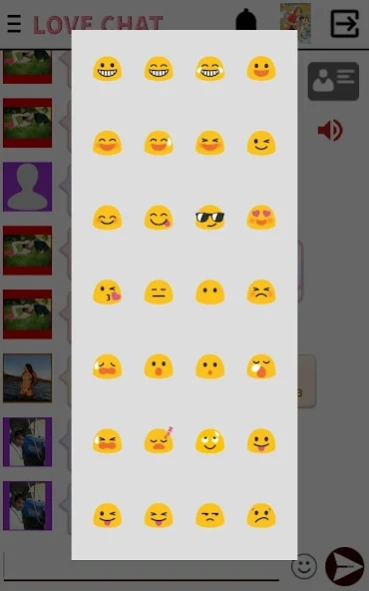

Dating app to meet people, flirt, find a partner, or make friends
LoveChat is the perfect dating app to meet new people, chat, flirt, and find a partner. With thousands of active users, LoveChat combines real-time chat, location-based search, and themed chat rooms to help you connect with people across Europe, America, and beyond.
With LoveChat you can:
🔹 Create your profile and upload photos or videos.
🔹 Chat privately or join public chat rooms.
🔹 Find people near you with proximity search.
🔹 Make friends, flirt, or start a serious relationship.
🔹 Join chat rooms about dating, love, friendship, technology, college life, and more.
🔹 Connect with teens and adults in a safe and friendly environment.
LoveChat is designed to help you build real connections:
Whether you’re looking for friendship, flirting, fun conversations, or a partner, LoveChat gives you a simple, fast, and modern way to meet people from all over the world.
Discover love, friendship, and new experiences.
Join LoveChat today and start connecting!
About LoveChat - Dating App
The company that develops LoveChat - Dating App is Publicaste. The latest version released by its developer is 1.0 .
To install LoveChat - Dating App on your Android device, just click the green Continue To App button above to start the installation process. The app is listed on our website since 2026-02-10 and was downloaded 2 times. We have already checked if the download link is safe, however for your own protection we recommend that you scan the downloaded app with your antivirus. Your antivirus may detect the LoveChat - Dating App as malware as malware if the download link to love.chat is broken.
How to install LoveChat - Dating App on your Android device:
- Click on the Continue To App button on our website. This will redirect you to Google Play.
- Once the LoveChat - Dating App is shown in the Google Play listing of your Android device, you can start its download and installation. Tap on the Install button located below the search bar and to the right of the app icon.
- A pop-up window with the permissions required by LoveChat - Dating App will be shown. Click on Accept to continue the process.
- LoveChat - Dating App will be downloaded onto your device, displaying a progress. Once the download completes, the installation will start and you'll get a notification after the installation is finished.
